With the endless feed
You check the time and open a feed while still in bed.
Lunch goes by between short videos.
In line at the store, you scroll without remembering what you saw.
The day ends, and the free minutes went to the scroll.
Pilg brings Scripture into the scroll on your phone. Scroll the Bible verse by verse, read the day's prayer and meditation, and lock the apps that take your time until you pray.

Why Pilg exists
You pick up your phone to read one message, and an hour later you are still scrolling and cannot remember what you saw.
Pilg puts a passage, a prayer and a meditation in that same scroll.
You check the time and open a feed while still in bed.
Lunch goes by between short videos.
In line at the store, you scroll without remembering what you saw.
The day ends, and the free minutes went to the scroll.
Your chosen apps close, and the day's passage opens first.
The apps close again, and a two minute prayer opens them until 18:00.
In line at the store, you read the day's meditation.
The day counts on your path, and Pilg moves one stretch forward.

Open Pilg and scroll up, like any feed. A passage, a prayer, a meditation, a quote and a mission come one per screen, chosen for your tradition.
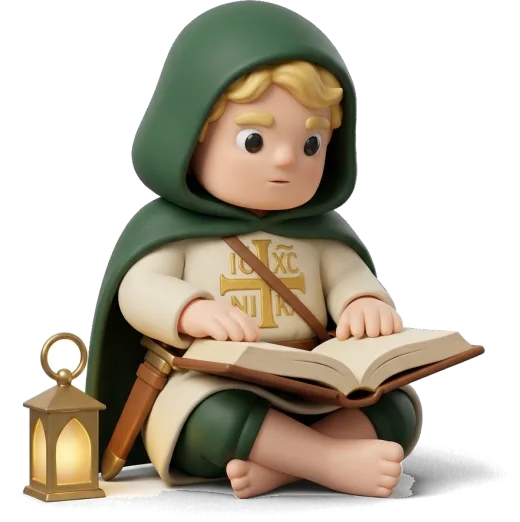
Tap Bible, and each verse fills the screen. Scroll up for the next one or open the whole chapter. Pilg keeps your place, so you continue where you stopped.
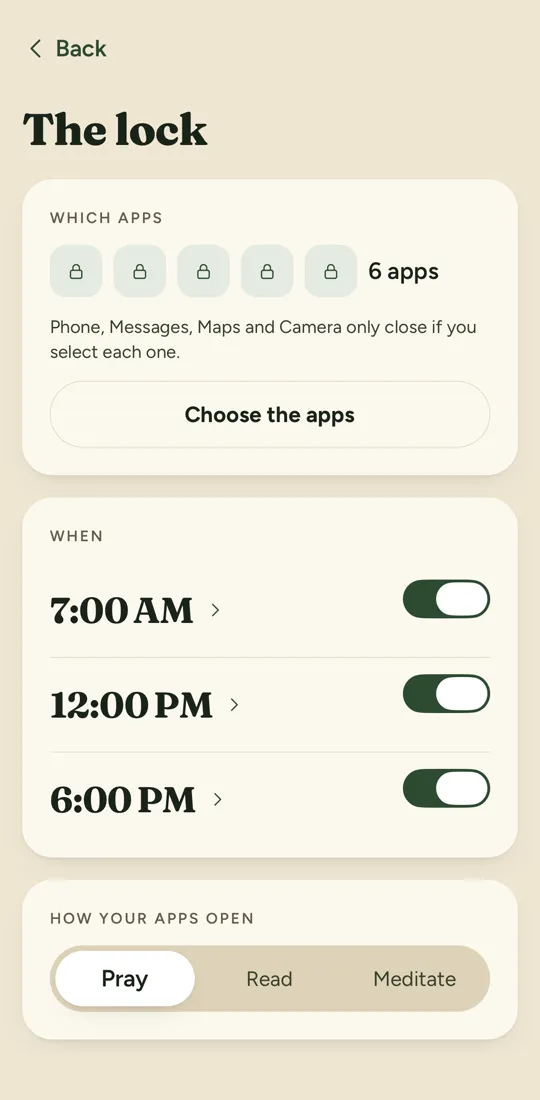

Mark the apps you want to use less and the times they close. The list stays on your iPhone, and Apple does not show Pilg which apps they are.
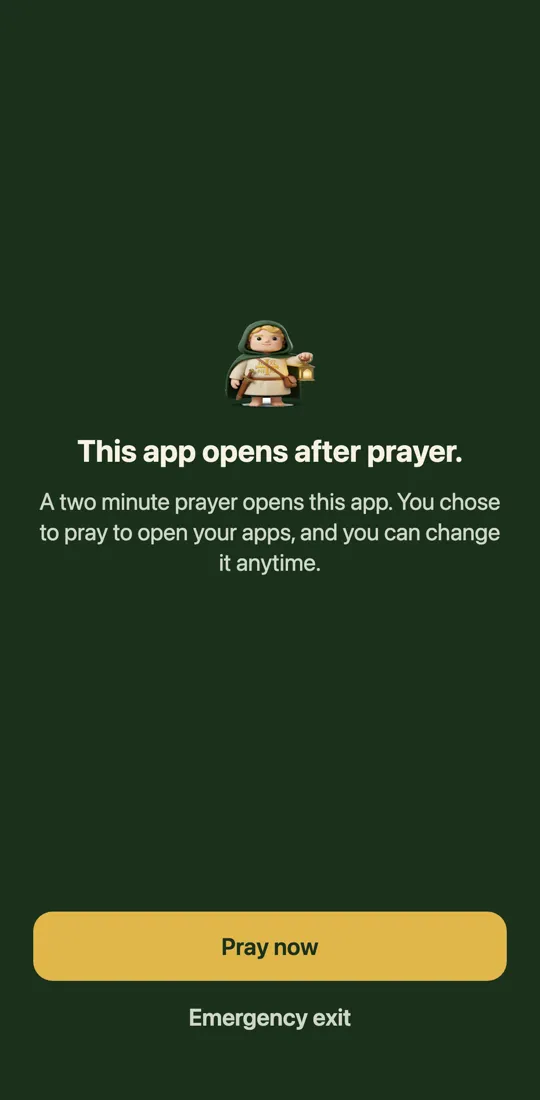

At each time, Screen Time covers those apps with the Pilg shield. The rest of the phone works as usual.
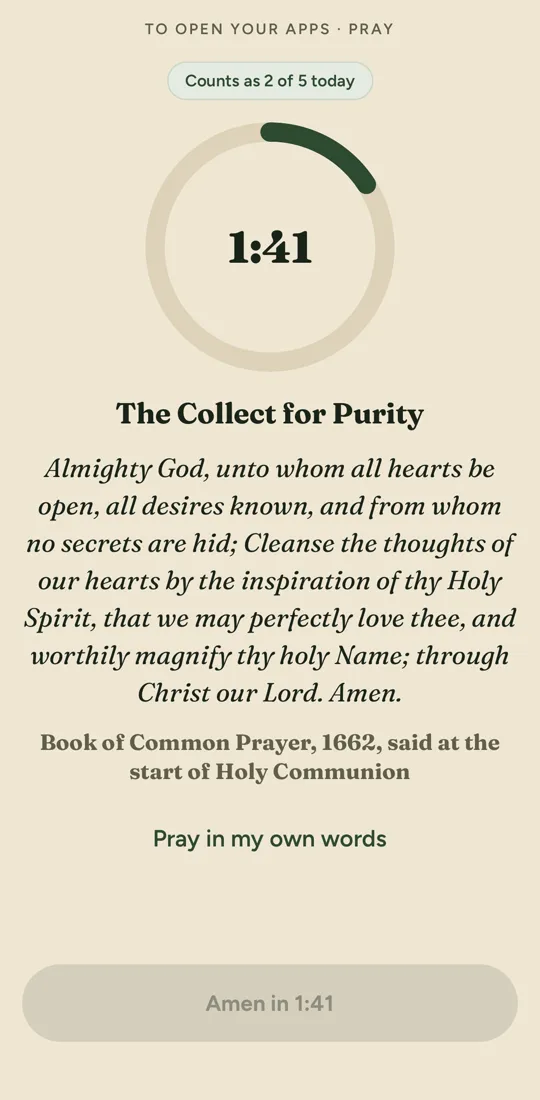
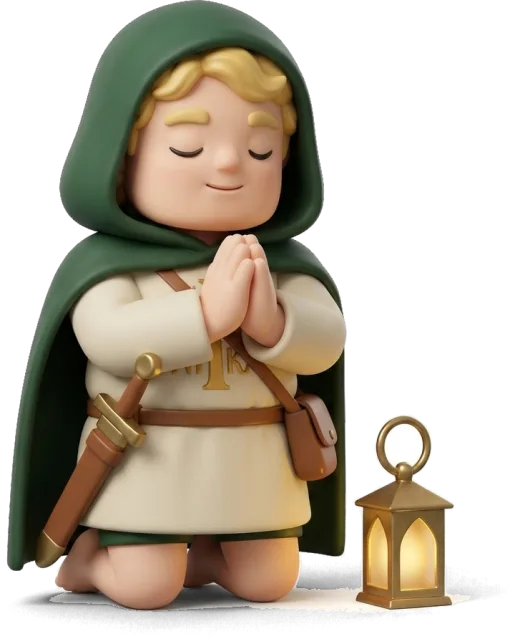
Tap Pray now, and Pilg opens with a two minute prayer. When you finish, your apps stay open until the next time.
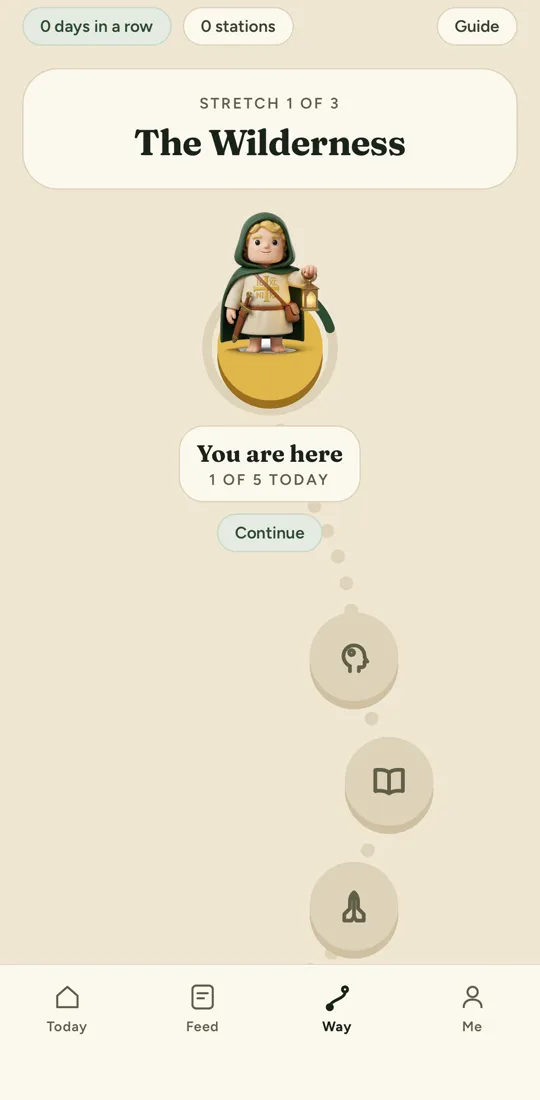

Every day you finish counts on the pilgrim's way. Pilg walks one stretch, and every five days you reach a station with its verse.
A passage, a prayer, a meditation, a quote and a mission each day, one per screen, so the day's five take a few minutes.
4 translations in English, verse by verse or the whole chapter, with highlights and notes, so you keep reading where you stopped.
The tradition you pick changes the translation, the prayers and the explanations, so the app speaks the way your church does. You can change it any time.
The apps you pick close at your times, so the scroll waits for a prayer first. Phone, Messages, Maps and Camera only close if you mark each one.
It always opens the app on screen for 15 minutes, so you never get stuck.
A small task to live the day's passage, so the reading leaves the screen.
Save passages and prayers with one tap, so you find them again later.
Scroll Until Paradise
If a day goes by without reading, the path goes back 1 day, and the stations you reached stay yours.
The lock and the prayer, reading or meditation that open your apps stay free, even without a subscription.
Pilg has no free tier. The annual plan starts with 3 free days, and the monthly plan is charged on the day you subscribe. The lock and the prayer, reading or meditation that open your apps stay free, even without a subscription.
Most Bible apps open on a chapter. Pilg opens on a feed with one item per screen, chosen for your tradition, and the full Bible is one tap away.
The five items of the day take a few minutes. You can read them in line at the bank or before you open another app.
No. Phone, Messages, Maps and Camera only close if you mark each one, and there is always an emergency exit that opens the app on screen for 15 minutes.
No. The apps you pick stay on your iPhone, and Apple's Screen Time does not show Pilg which apps they are.
Yes. Delete account in the Me tab deletes your account and everything stored with it right away.
For now Pilg is only for iPhone, because the lock uses Apple's Screen Time.
Still have a question? See the help page or write to [email protected].
Pilg is on iPhone, in English and Portuguese, for Catholic, Orthodox and Protestant Christians.
Download on theApp Store3 days free on the annual plan.